How to add a client's website / domain to my partner's dashboard?
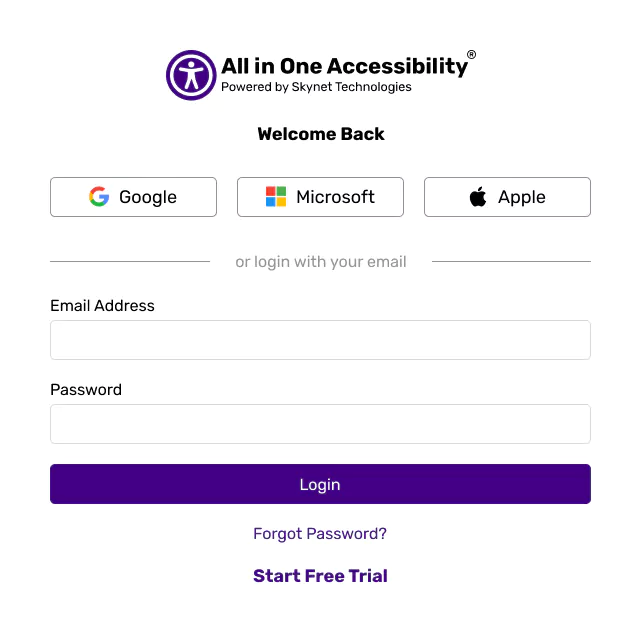
Login to the Agency Partner Dashboard.

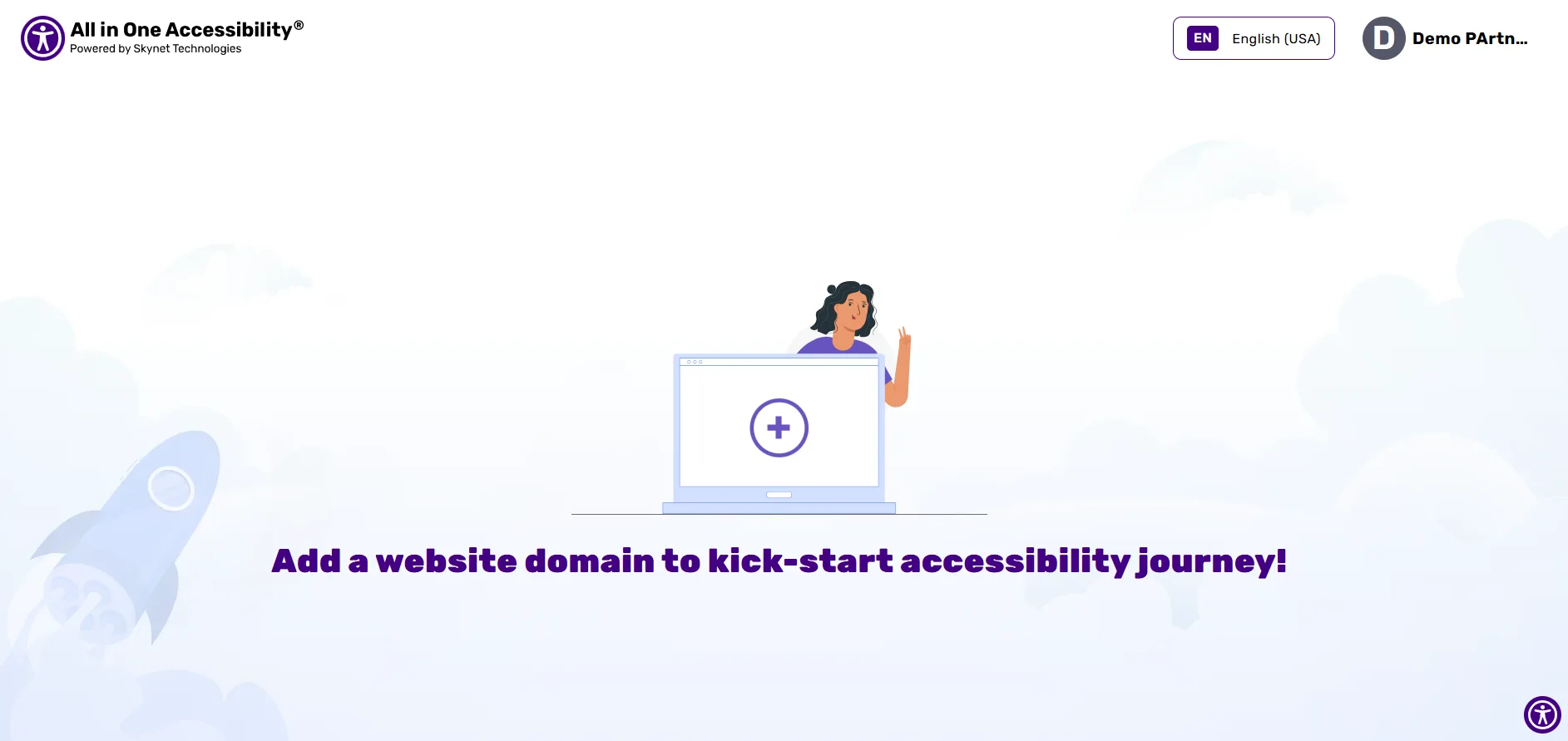
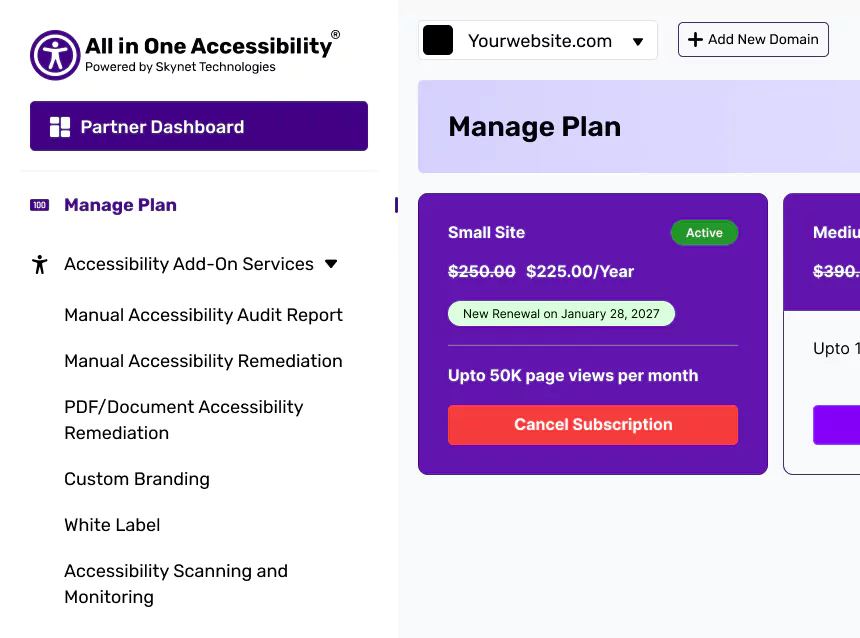
Click on “Add New Domain”.
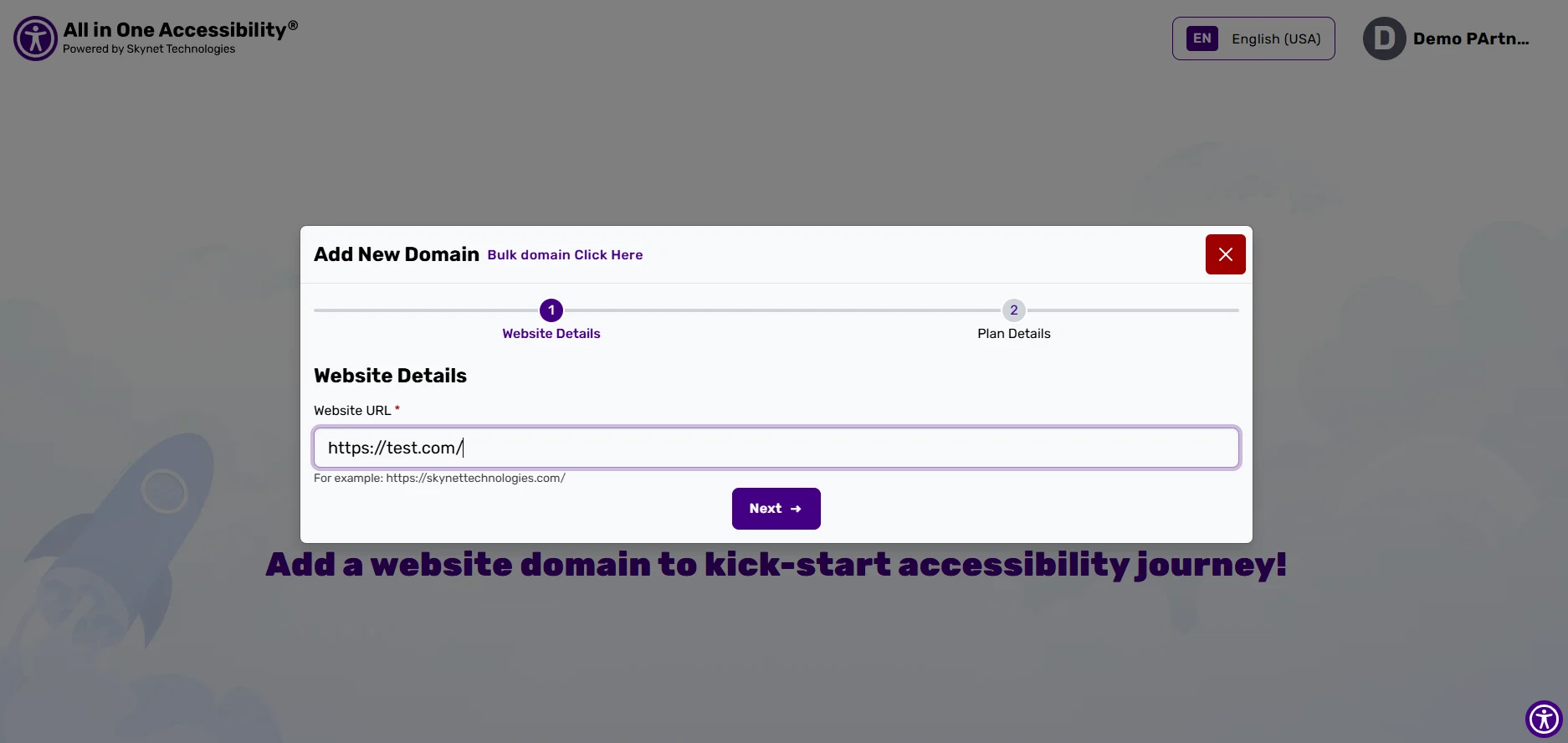
Enter the Website URL.
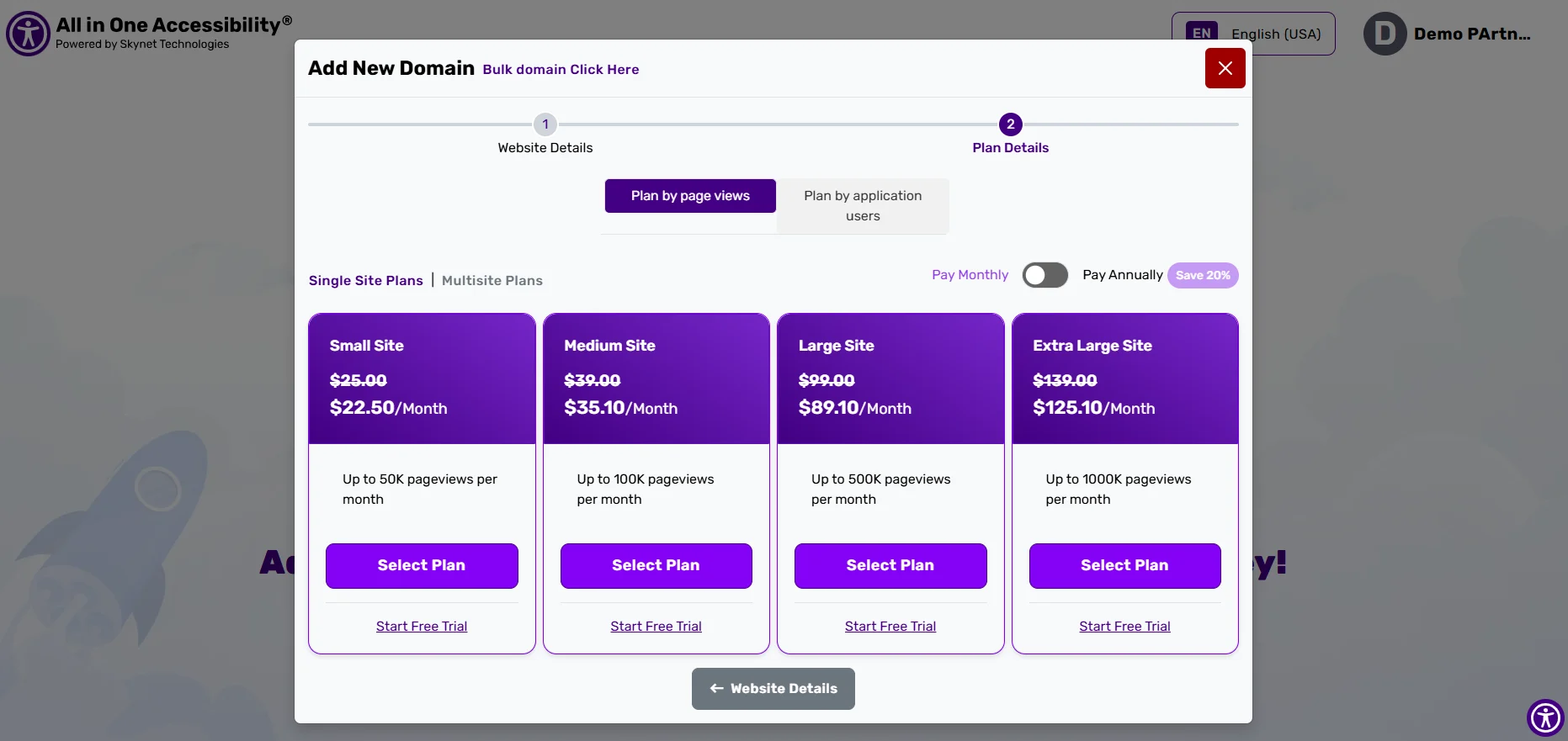
Select the preferred plan or start a free trial.
Once the purchase is completed, the website will start showing in partner dashboard. You can manage accessibility settings for the domain.
Related Articles
How to replace my company's logo with Skynet Technologies at the accessibility widget?
How to remove Skynet Technologies logo from an accessibility widget?
I manage multiple client websites. Can I replace default Skynet Technologies branding with my agency branding on the accessibility widget?
How to change or update widget settings separately for each client's website?
Where can I manage the billing for multiple client websites?
Where can I download the invoice?
Where can I view subscription plan details for each client?
What if a client changes their website domain?
What if a client wants to cancel their subscription plan, Will I get a refund?
How to update the credit card if it has expired?
Where can I add a client's VAT number?
Did this help resolve your question?