How to customize the look and feel of the accessibility widget?
Login to accessibility dashboard.
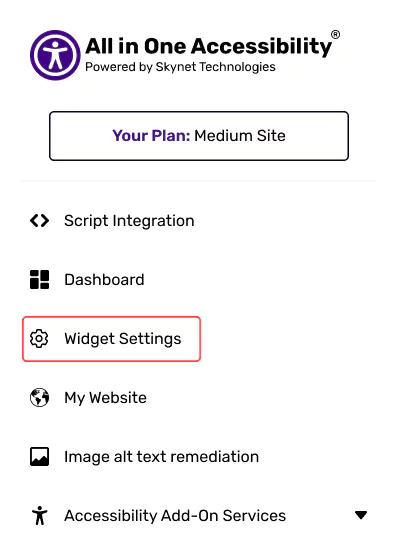
Go to Widget Settings

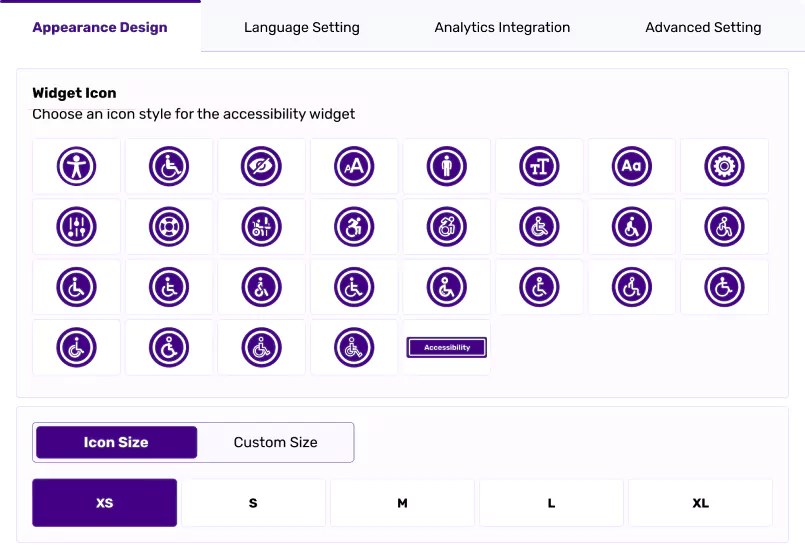
You can change the icon type, size, widget color, position, and widget size.

Related Articles
Can I set a different accessibility widget size for mobile and desktop?
Is it possible to move the accessibility widget to a different spot on my site?
Can I match the accessibility widget colors with my brand?
Can I control how the accessibility widget opens for users on my site?
Can I set the accessibility widget to open in a specific language for my visitors?
Can I pick the voice my visitors hear with the screen reader? How?
I have an accessibility statement page on my site; how can I link it to the widget?
Can I connect to Google Analytics 4 so I can better understand how visitors use the widget?
Did this help resolve your question?