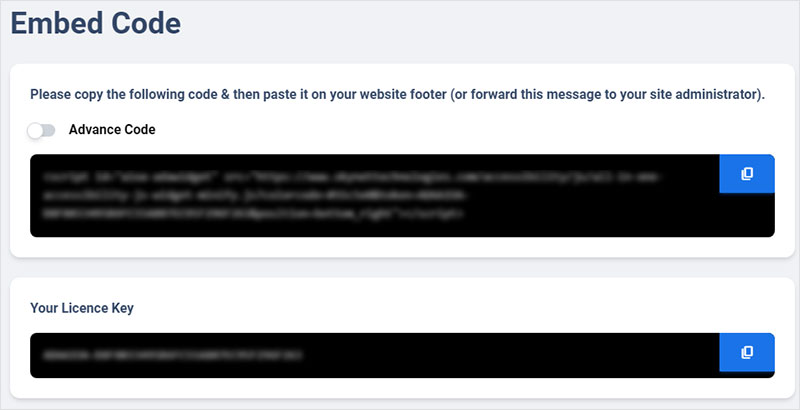
How do I get the embed code and License Key for All in One Accessibility®?
Once the All in One Accessibility® signup process is completed, you will receive an email notification with widget integration details like embed code, license key, and dashboard access details.
Can you provide a step-by-step guide on how to embed the All in One Accessibility® Widget according to my website’s requirements?Yes. Please visit https://www.skynettechnologies.com/blog/all-in-one-accessibility-installation-guideIs the License Key necessary for basic functionality?No.Can I change or update the embed code if I need to make modifications or enhancements to my website's accessibility features?No.I’d prefer to use the All in One Accessibility plugin instead of adding the widget code, but I can’t find my license key. What should I do?The license key is displayed in the “Integration” section of All in One Accessibility dashboard. Please refer following screenshot for more details: