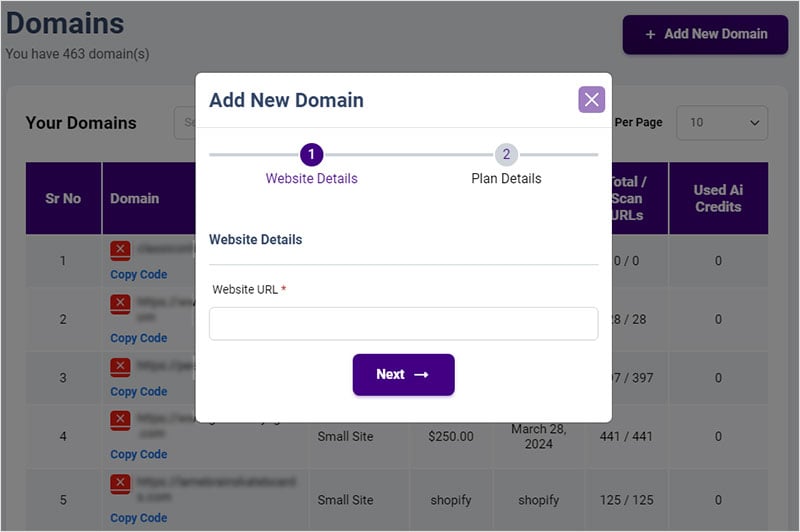
Click on the “+Add New Domain” and select the plan.
How can I manage domains within the All in One Accessibility® dashboard, and what information is displayed there?After you sign into Dashboard, on top left of the screen, select the domain. Alternatively, you can click Manage domains. It would display Domain URL, plan, Price, renewal date and Scan URLs.Is there a limit to the number of domains I can add and manage within my All in One Accessibility® account?No. You can add as many domains as you want. For each domain, you must subscribe to the service and pay for the required plan.Can I customize the accessibility settings and preferences for individual domains within the Manage Domains?Yes.