How do I access my affiliate account to view reports, referral links, and commission payouts?
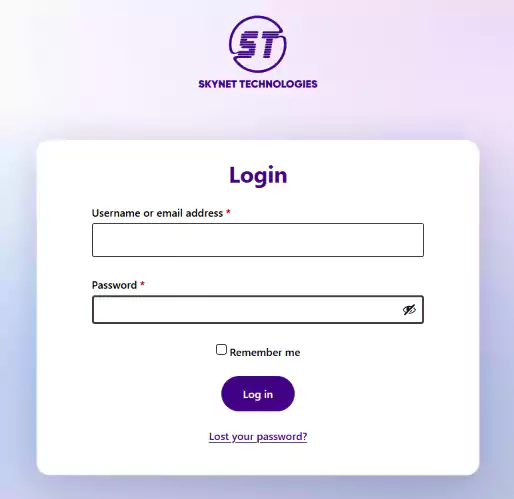
Log in to affiliate account: https://www.skynettechnologies.com/add-ons/my-account
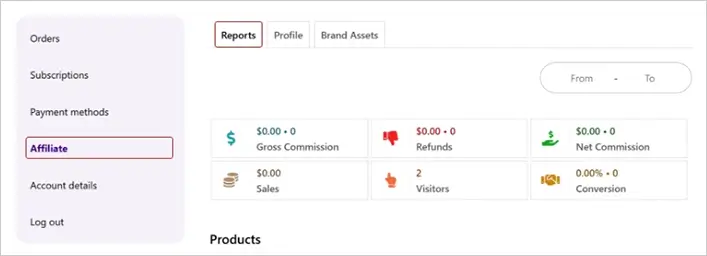
Navigate to the Affiliate section. By default, you will land on the Reports tab, where you can view key metrics such as: Gross Commission, Refunds, Net Commission, Sales, Visitors, and Conversions.
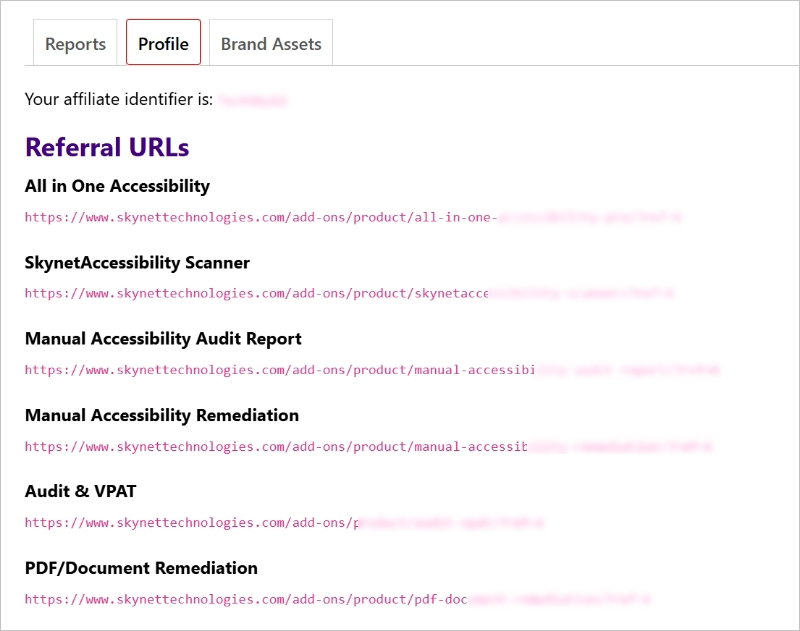
Under the Profile tab, you will find two important details:
Referral URLs (Product Affiliate Links): These are unique affiliate links to use on your website, blog posts, email campaigns, or advertisements. When a user clicks on your referral URL and completes a purchase on our website, the commission is automatically tracked & displayed in the Reports tab.
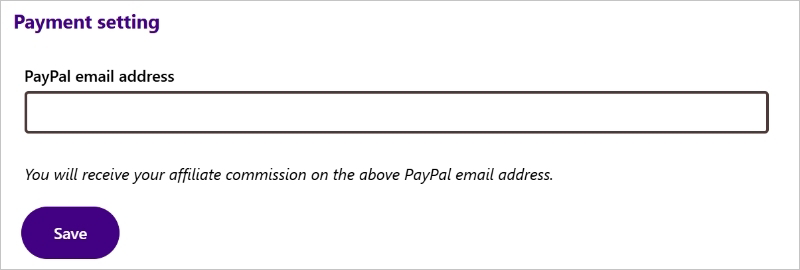
PayPal Email Address: Your commission payouts are sent to the PayPal email address listed in your profile. Once the minimum payout threshold of $500 is reached, the commission amount is credited to this PayPal account.
If you have any questions or queries, reach out support@skynettechnologies.com