- Home
- widget customization
- Change the accessibility widget color as per website's look and feel
How can I change the accessibility widget color as per my website's look and feel?
Follow these steps to change the accessibility widget color as per your website's look and feel:
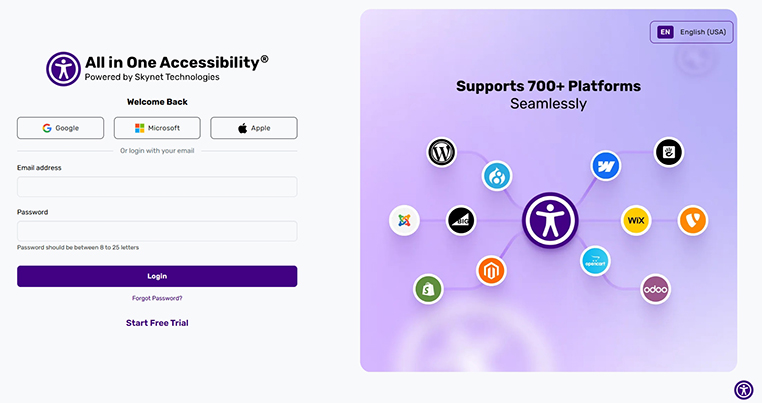
Login to accessibility dashboard
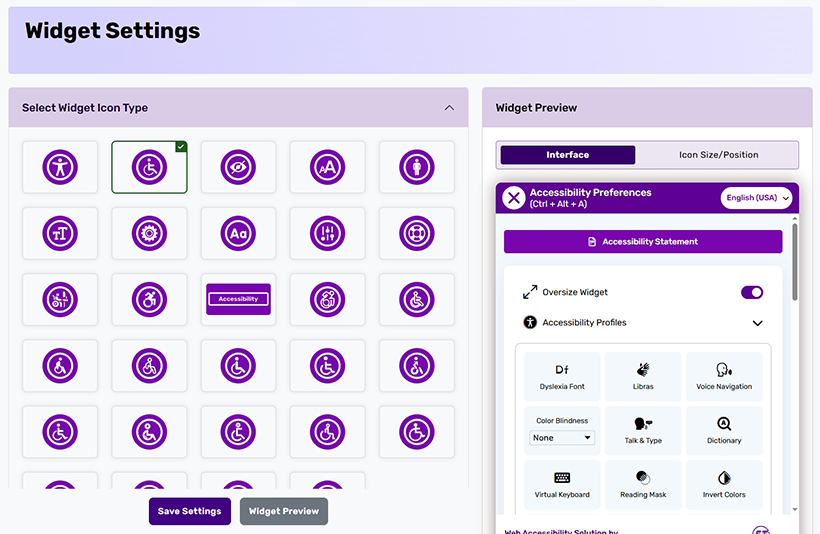
Go to Widget Settings
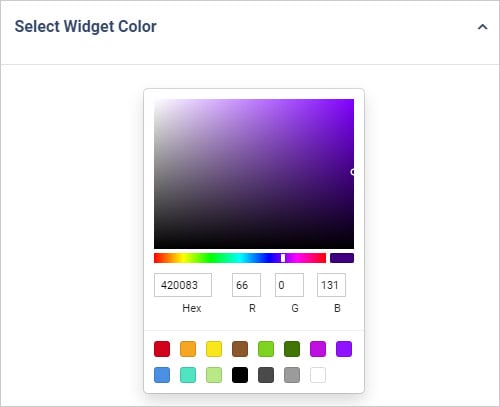
Select Widget Color and choose the preferred color option
- Save Settings and apply the changes
If you have any questions or queries, reach out support@skynettechnologies.com
Related Articles
How do I customize accessibility widget icon type? How can I customize the accessibility widget icon size? How do I change the position of accessibility widget? Which is the best position to display WCAG accessibility widget on my website? What widget size options are available? Which are the options available for accessibility widget size? Can I include my existing accessibility statement inside the All in One Accessibility Widget? How can I set up Google Analytics 4 integration with accessibility widget dashboard? How can I track the usage of an accessibility widget for my Adobe store?
Did this help resolve your question?