How can I customize the accessibility widget icon size?
Follow these steps to customize accessibility widget icon size for desktop:
For mobile site accessibility widget size
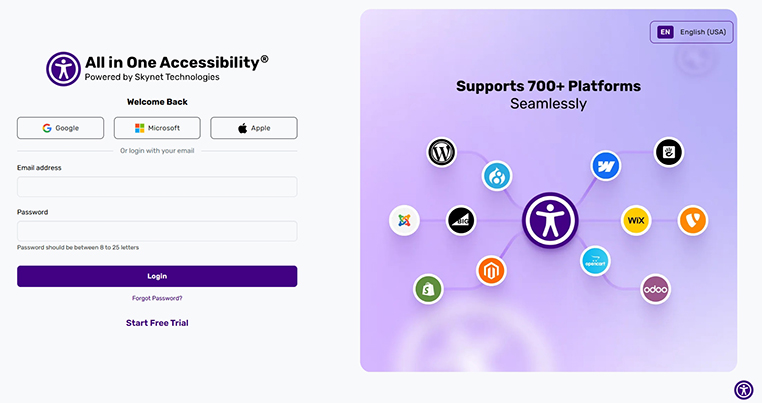
Login to accessibility dashboard
Go to Widget Settings
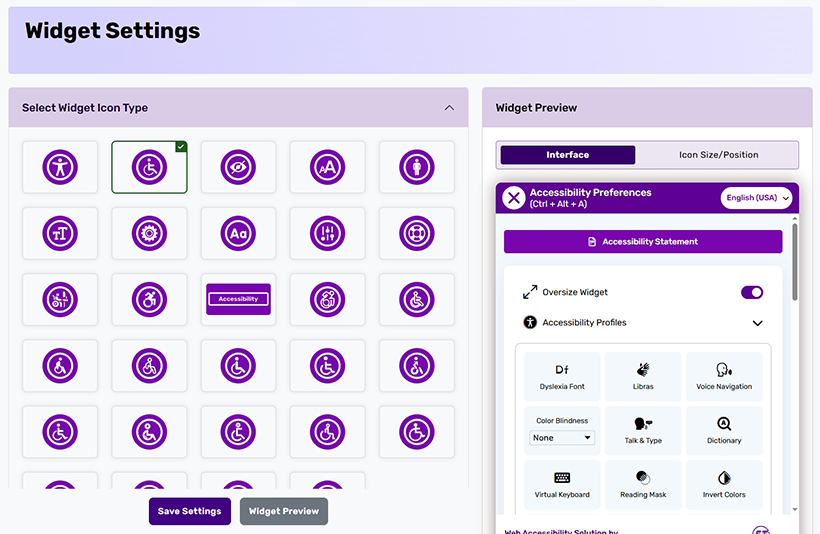
Go to the Icon Size Section
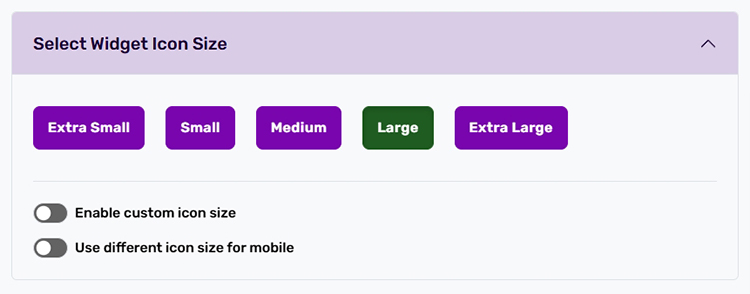
Select from available options
Desktop Icon Size
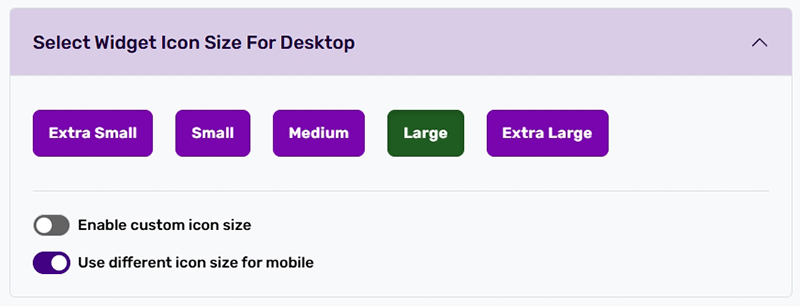
- Enable custom icon size
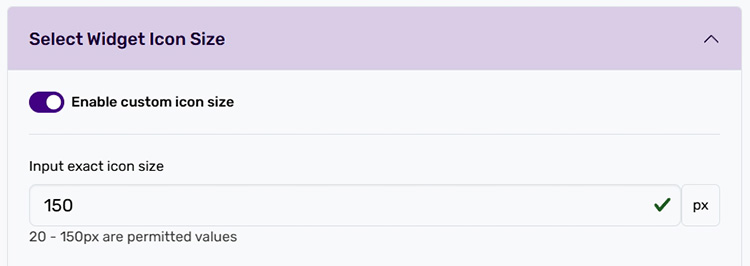
- Save changes and refresh the site to view the updated icon size


For mobile site accessibility widget size
- Select and enable “Use different icon sizes for mobile”
Select from available options
Select Widget Icon Size for Mobile
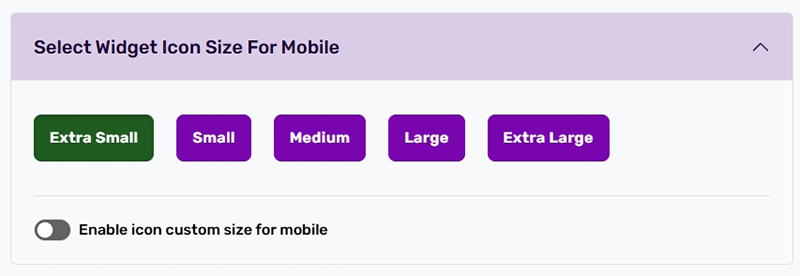
Enable custom icon size for Mobile
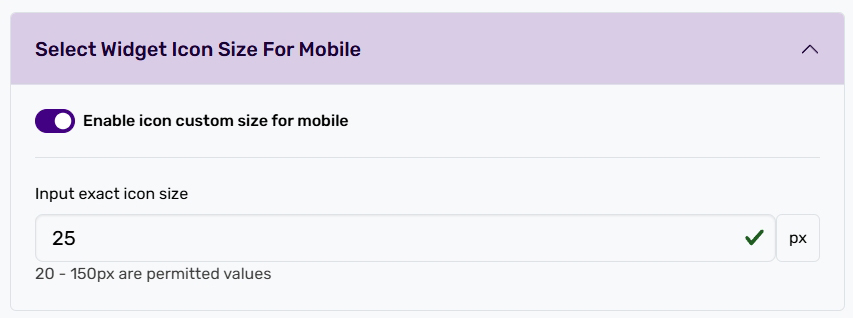
- Save changes and refresh the mobile site to view the updated icon size


If you have any questions or queries, reach out support@skynettechnologies.com